Candidates
Locating a candidate in Woven
Why does it say incomplete when I submitted my solution
Scoring Errors
CoC Message to Candidates
Getting Started with Woven
How to Invite a Benchmark
Inviting Candidates to Woven
How to Add a team member in the Woven Dashboard
CoC Messages to Candidates
Why Woven Enforces Unique Candidate Links
ADA Accommodations for Candidates
How to Create a Support Ticket
How To See/Change Available Languages For A Scenario
Candidates who have previously take a Woven Assessment
Candidate Feedback FAQ
Tips for Maximizing Candidate Completion Rate
Scoring Quality Assurance
Pair programming with a candidate's solution
Downloading a candidate's code from a recommendation
Locating rejected, withdrawn or hired candidates in Woven
Free Trial
Integrations
How to Export Candidate Data from Ashby
Woven customer email address: security and access controls
One Click Candidate Invites to Woven
MacOS: Open generated candidate invite emails by configuring gmail as your email client for mailto
Integrating Greenhouse with Woven
Internal
Customer Administration
Customer Support
Github Pull Request (Code) Review: Candidate Submitted No Solution
Trade-offs Between AI Programming Assistant use in Assessments
Adding Woven API to Customers Website
Configuring Advance/Decline Notifications to email internal customer contacts of Hiring Manager Decision
How to clone a recommendation
Roles & Work Simulations
AI Enabled Scenarios
Scenario Timeboxing and Time Limits FAQ
How to Create a Role
Woven and ChatGPT resistance
NEW Role Creation UI
Woven Scoring System and Philosophy
What does a score of 100 mean in Woven?
Increasing Scenario Time Limits
How to Clone a Role
Rubric Change Logs
Data Architecture - Schema/Model
Hard SQL: Two Lawyers Who Worked in the Most Trials Together
Architecture Debugging - Brainstorm
Security & Privacy
- All Categories
- Candidates
- Locating a candidate in Woven
Locating a candidate in Woven
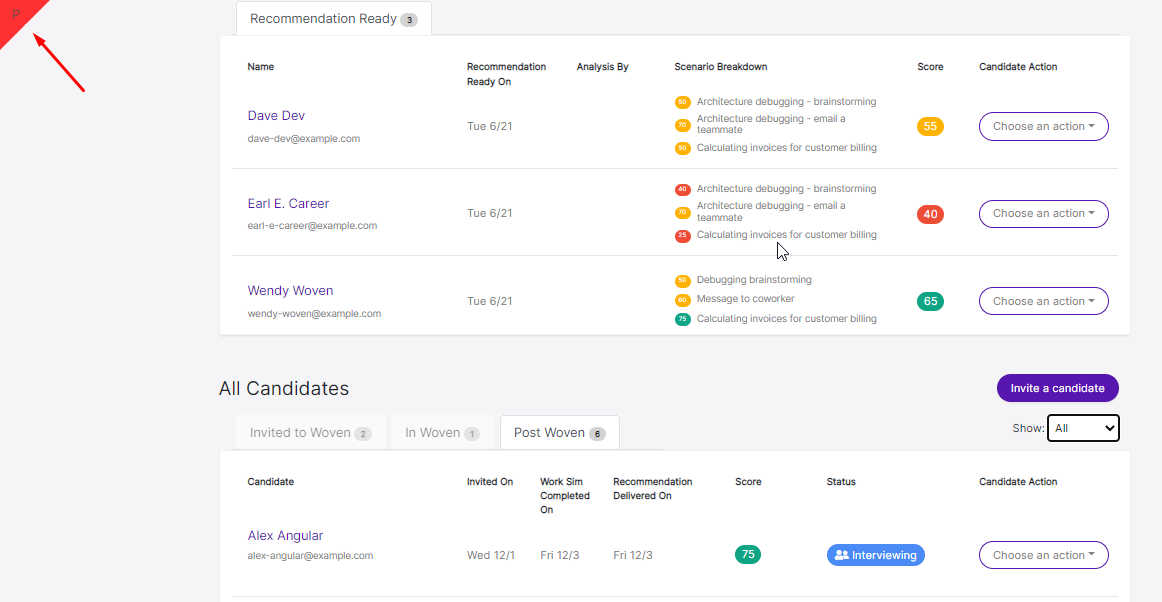
There are three ways to locate a candidate in Woven: on the role detail page, in the all candidates tab and by exporting via csv. Here are the steps for each:
Role detail page
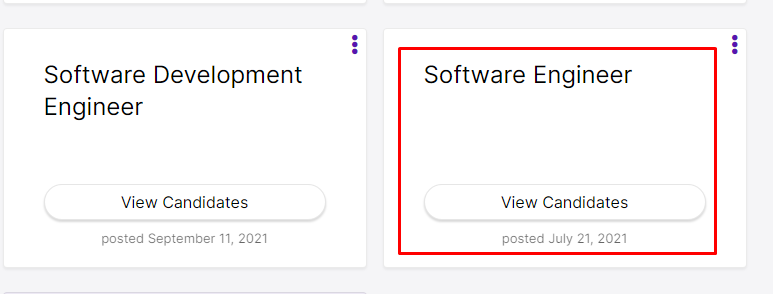
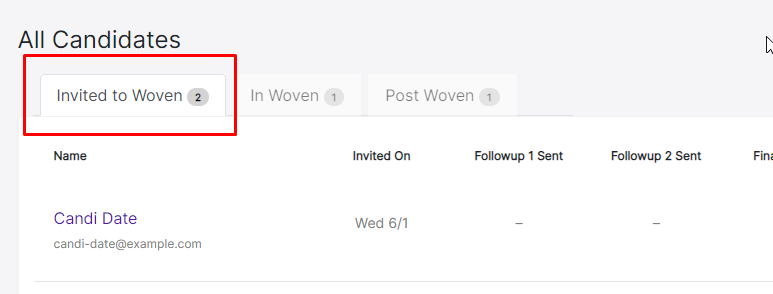
2. Click on Invited to Woven 2
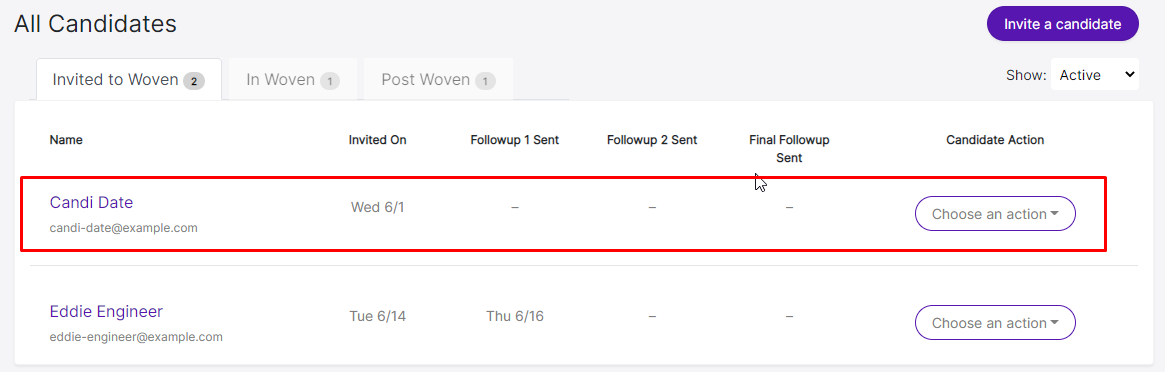
3. Click on Candi Date…
4. Click on In Woven 1
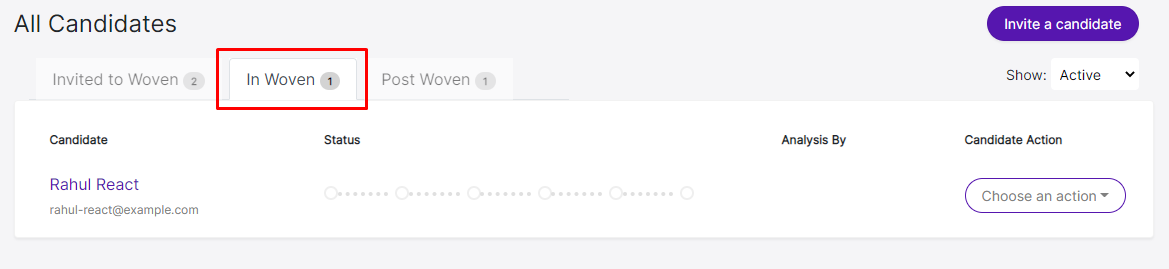
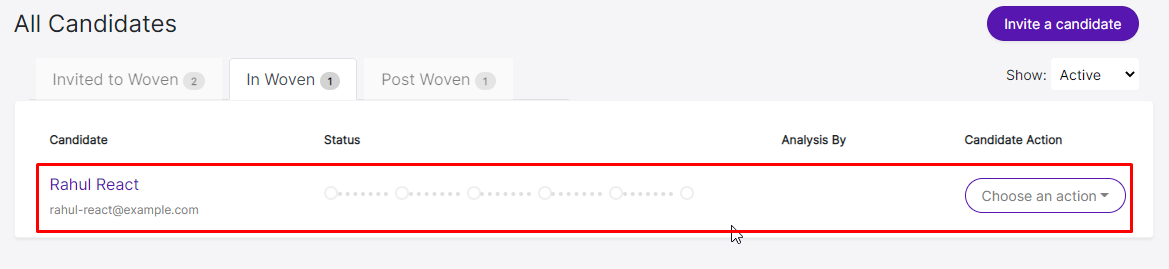
5. Click on Rahul React….
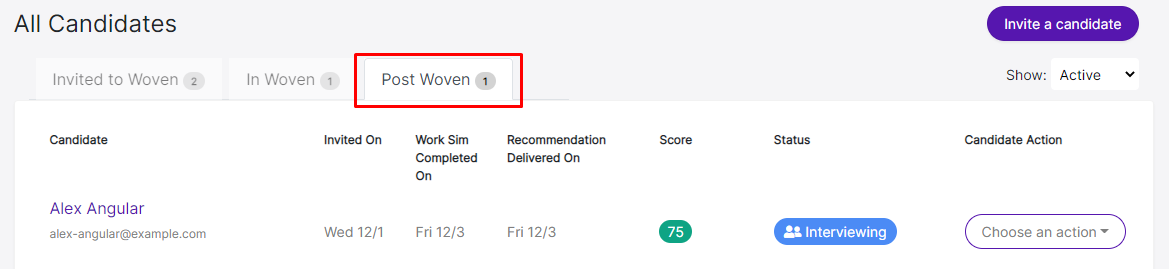
6. Click on Post Woven 1
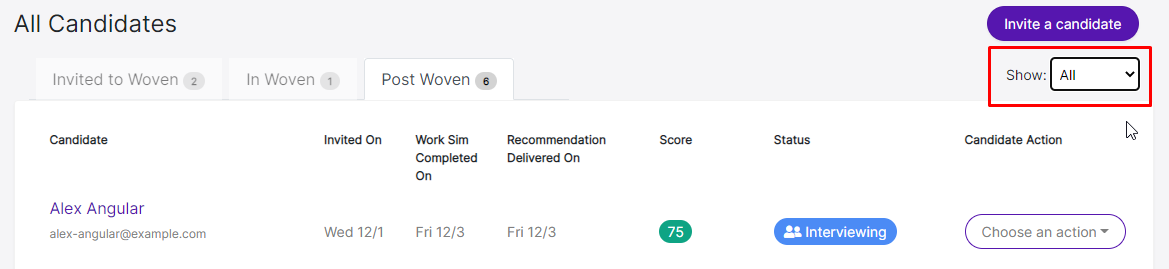
7. Select All
8. Click on P…
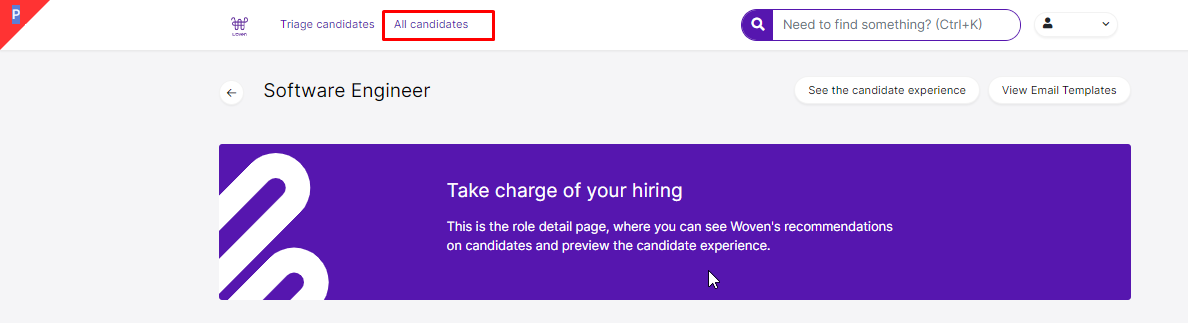
All candidates tab
9. Click on All candidates
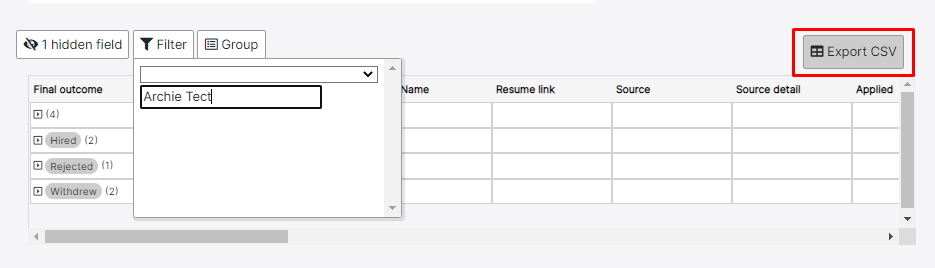
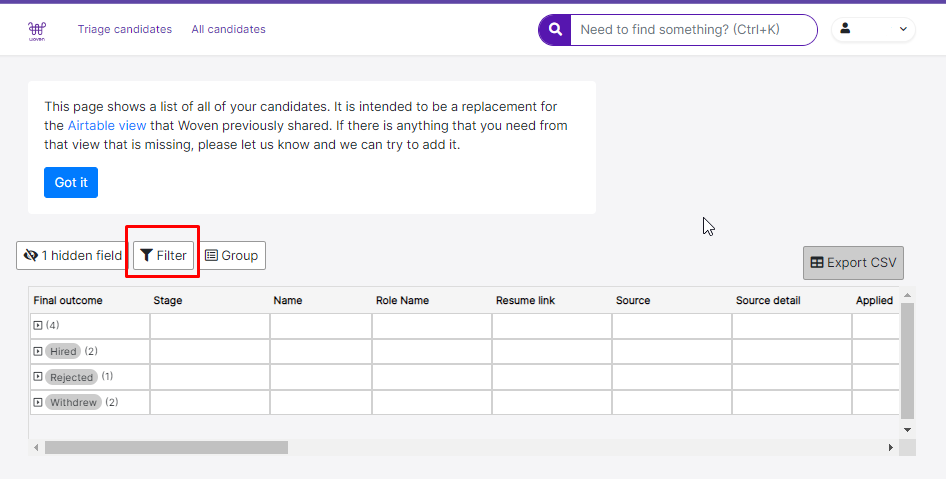
10. Click on Filter
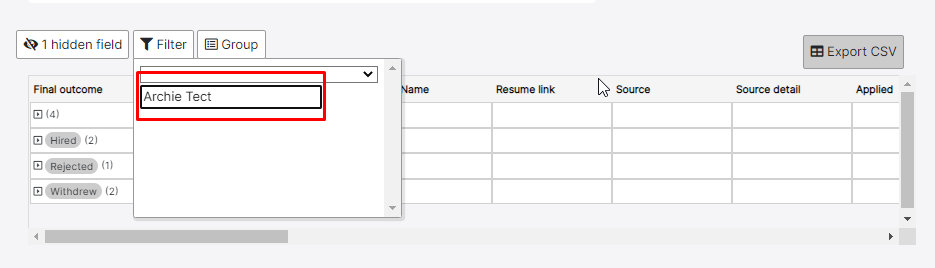
11. Type "Archie Tect"
Export CSV
12. Click on Export CSV